

Files & Documents
Learn the specifics of how to send messages with a document on WhatsApp.
Sending documents to customers is easy with WhatsApp. Documents should have names in the form of text, up to 240 characters. If no name is given, WhatsApp will assign one.
You can send documents in any valid MIME-type, e.g., PDF. Document file sizes can be up to 100MB.
ℹ️ Do you want to send a document as a media message template? Check how to integrate documents in your media message template here.
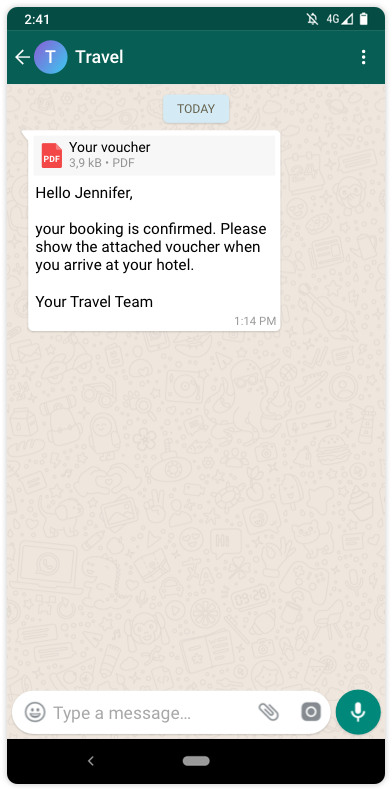
How to send a document
<div class="geshifilter"><pre class="php geshifilter-php">curl –XPOST https<span class="sy0">:</span><span class="co1">//api.tyntec.com/conversations/v3/messages\</span>
  <span class="sy0">-</span>H <span class="st_h">'Content-Type: application/json'</span> \
  <span class="sy0">-</span>H <span class="st_h">'apikey: <API KEY>'</span> \
  <span class="sy0">-</span>d <span class="st_h">'{
{
    "from" : "{{whatsAppBusinessNumber}}",
    "to" : "{{receiverPhoneNumber}}",
    "channel" : "whatsapp",
    "content" : {
        "contentType" : "document",
        "document" : {
            "url": "https://s1.q4cdn.com/806093406/files/doc_downloads/test.pdf",
            "caption" : "An optional caption",
            "filename" : "An optional filename"
        }
    }
}</span></pre></div>